How Do I Update My Financial Information for Noncash Donations?
Last updated: September 9, 2026
Keeping your financial information up-to-date ensures that stock and crypto donations are processed smoothly, allowing your organization to receive them quickly and without any delays!
You can update your details directly from your Dashboard in just a few steps:
- Click on your initials in the top-right corner of your screen.
- Select "Organization Settings" from the dropdown menu.
- Navigate to the "KYC and Financial Accounts" tab.
- Make your updates and save your changes — They’ll be reflected on our end immediately! ⚡️
🏦 Stock Brokerage Clients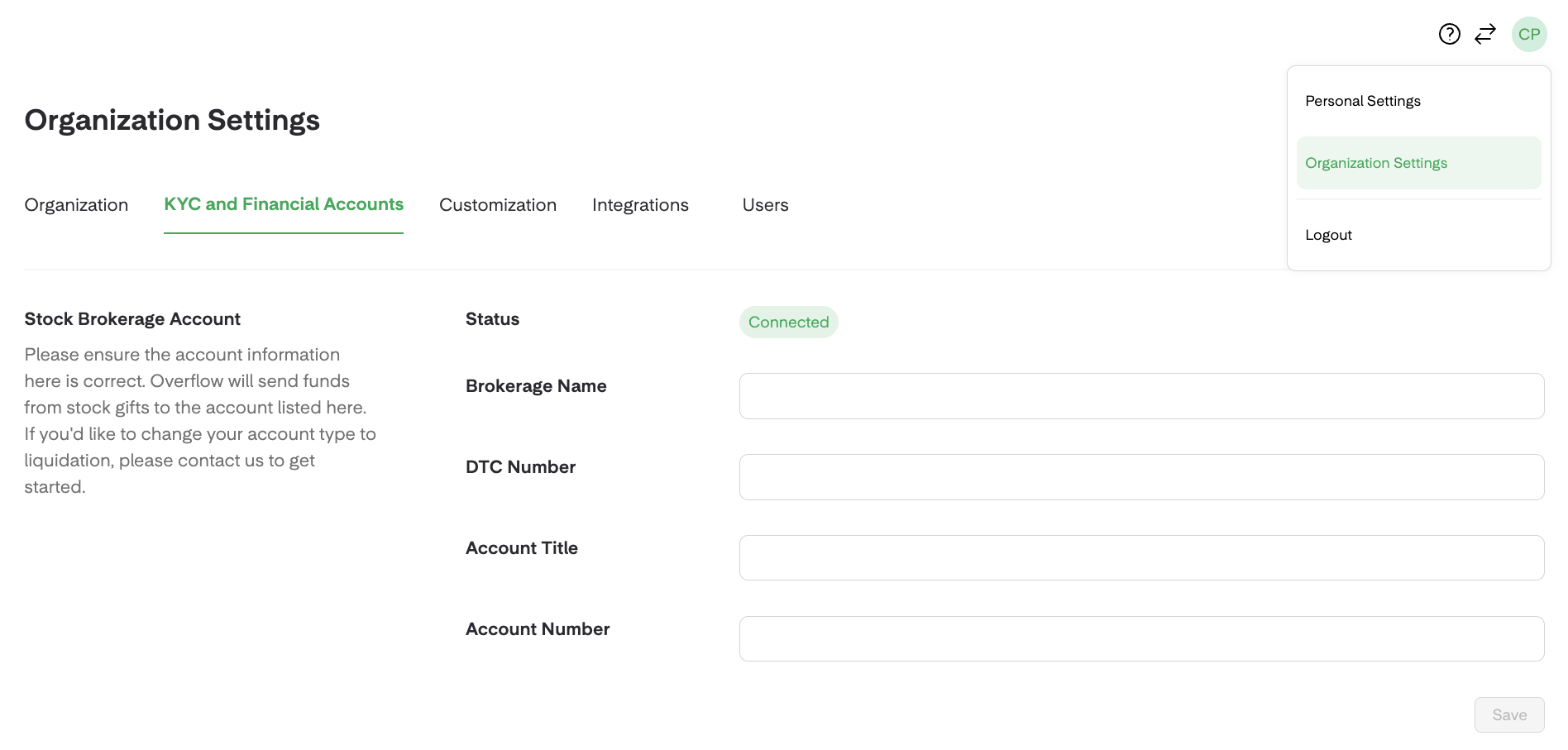
If you have a brokerage account, donors' shares will be transferred directly to it. To keep everything running smoothly:
- Double-Check Your Account Details: Donors and their Financial Advisors will send stock gifts to the account listed here, so please make sure everything is correct.
- Prefer to Use Overflow's Stock Liquidation Services? If you'd like to change your account type, your Account Manager can help you get started!
💧 Stock Liquidation Clients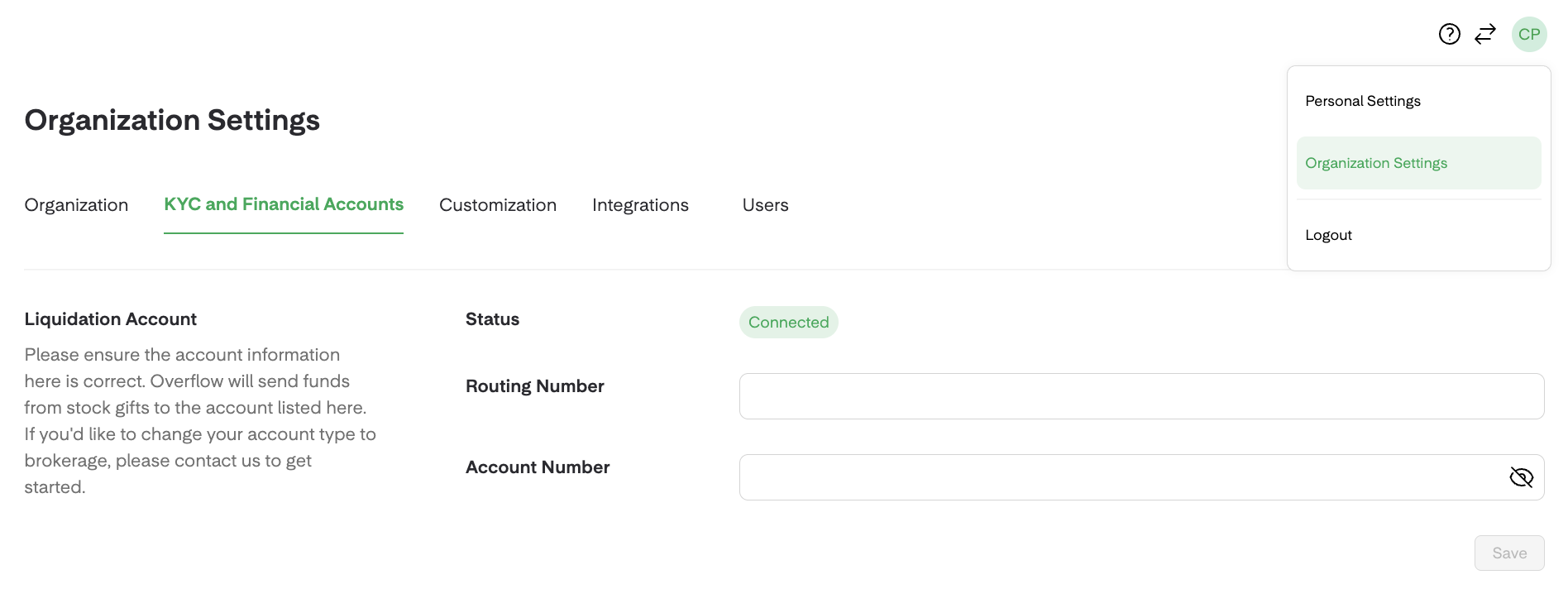
If you use our stock liquidation services, donors' shares will be received in Overflow's brokerage account (Corporate - Overflow App Inc.)
- Verify Your Account Details: Our Payment Operations team sends funds from stock gifts to the account listed here, via wire transfer. Double-check to ensure everything is accurate!
- We recommend sharing this article with donors and their Financial Advisors.
🪙 TGB Crypto Wallet

If your organization accepts crypto donations directly into its crypto wallet, you can enter your Wallet ID in this section.
- Make Sure Your Wallet ID is Correct: Donors will sends crypto coins and tokens to the account listed here. Accuracy is key!
- Supported Cryptocurrencies: You can find all cryptocurrencies supported by The Giving Block's partnership here.