Do You Offer a Tap Landing Page?
Last updated: September 9, 2026
We understand how having a dedicated landing page for Tap could be helpful for users. While this feature isn’t available yet, we’re excited to share some practical alternatives that can make engaging with your nonprofit's resources simple and smooth!
Here are a few ideas to consider:
🔄 Use Dynamic Destination Changes During Your Event
Keep things fresh and easy by scheduling or queuing Tap destination updates throughout the event (or worship service). This way, attendees are guided to the right place at the right time without any hassle. ✨
For example:
- 👋🏽 During your welcome, you might say, “If you’re new with us this morning, tapping your phone will take you to our connection card.”
- 🤲🏽 Later, during the offering, you could guide people by saying, “If you’re giving this morning, tapping your phone will now take you to our giving page.”
This helps attendees engage in real-time with exactly what they need! 🎯
🔗 Create a Linktree or Zaap for Your Welcome Team
If your Welcome Team uses a separate batch, consider setting up a Linktree, Zaap, or similar landing page. This provides a quick, user-friendly place for attendees to access key resources all in one spot. 💡
🤝🏽 Partner with Overflow for a Seamless Giving Experience
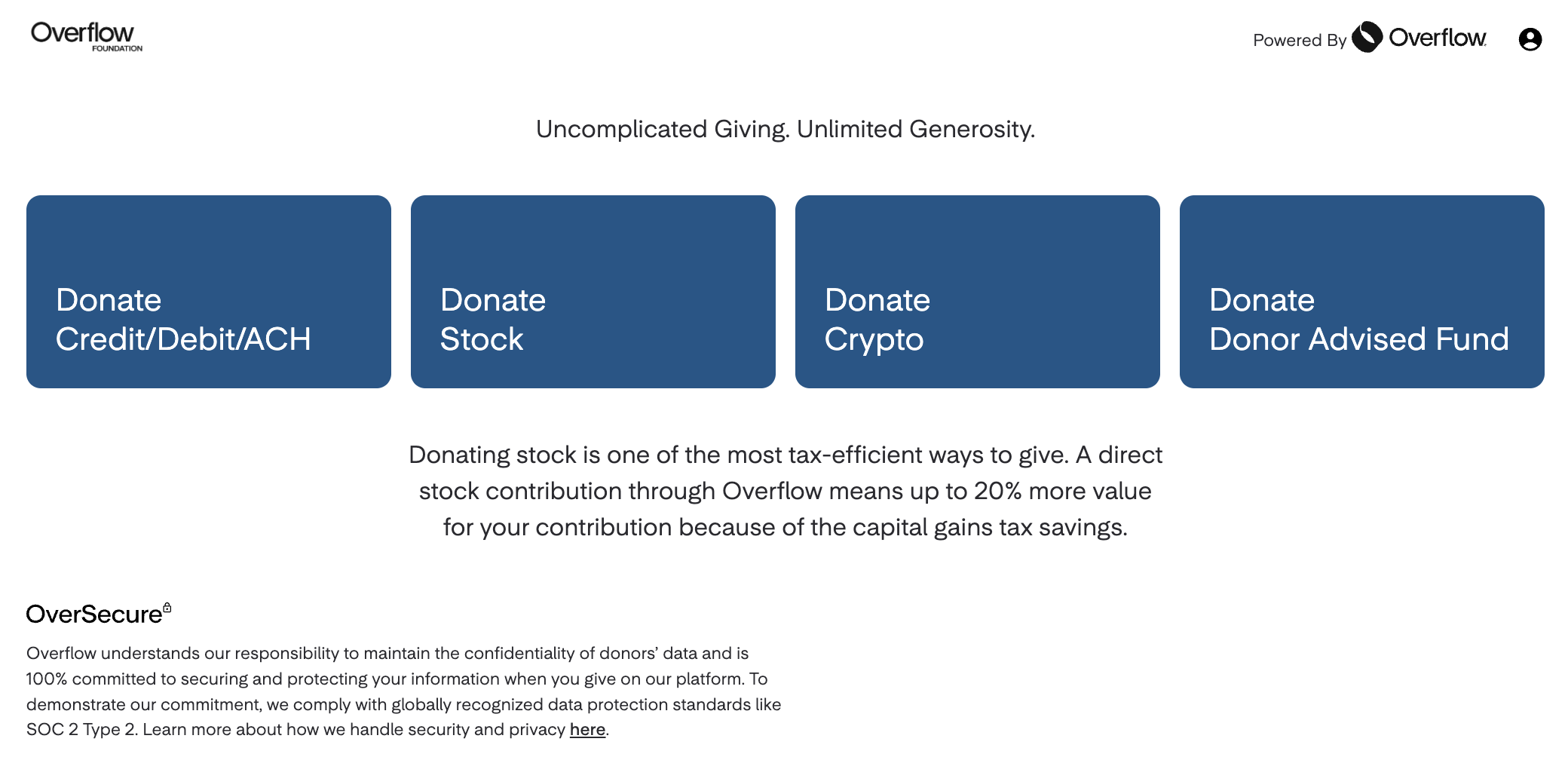
If your nonprofit uses Overflow as a generosity partner for online giving, we’re happy to help build a giving page for your website. 🖥️
- 📲 Overflow supports multiple payment methods, including Apple Pay and Google Pay, making Tap giving easy and frictionless for your attendees.
- ❤️ It’s a simple way to create a seamless giving experience that meets people right where they are.